What is the MQTT protocol?
MQTT is one of the most well-known and accepted protocols in the IoT world. The light design and simplicity of plugins are the features that make MQTT suitable for various devices with small and large processing and storage capabilities. The benefits of using MQTT over HTTP include energy savings and lower network bandwidth usage, both of which are critical for almost any IoT device.
In this article we will take a closer look at MQTT.
What is MQTT?
MQTT is a messaging and sharing protocol based on the official definition. MQTT is lightweight and simple, designed to be easy to implement, and is particularly suited for IoTs designed with limited resources, power, bandwidth, and footprint.
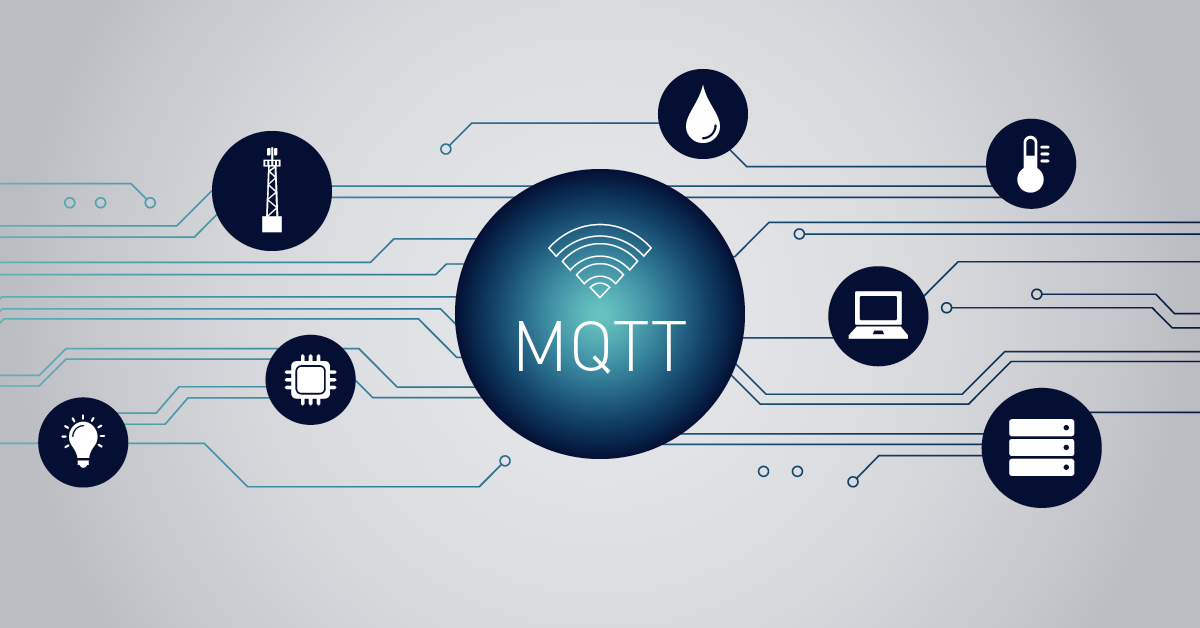
The MQTT protocol consists of 3 main blocks: the broker. Publisher and subscriber.
• The server broker is responsible for managing the client network, which is a combination of publishers and subscribers.
• A publisher is a device that sends (publishes) messages to the server. These messages are marked with the name “subject”.
• Subscriber is the device that receives the topic.
There is no direct connection between the publisher and the subscriber. The subscriber tells the broker (server) what topics he is interested in, and the broker handles sending messages with the specified data for the requested topic/s. The publish/subscribe model is completely different from the request/response model in HTTP, allowing for one-to-many message transfer.
Topics can be considered like a label for each message, and this relationship can be one-level or multi-level (tree), where each level is separated by a slash (/) (i.e.: rooms / room 1 / sensors / temperature). This method can be useful for organizing data.
Any device that wants to get information about a certain topic must subscribe by notifying the broker (server). Subscriptions can be made for a specific topic or a “template”. (+ and #) are used to do this.
• The ‘+’ sign means to subscribe to any topic at this level. i.e. rooms / + / sensors / temperature means to receive data from temperature sensors from all rooms.
• The sign ‘#’ means to subscribe to all topics at this level and lower level. That is, room / room1 / # means to receive all the information related to room1.
The MQTT protocol works based on TCP/IP and is not an ASCII protocol like HTTP. In fact, MQTT is a binary protocol that uses bits/second as the basic units of control for protocol properties, while ASCII uses characters. Binary protocols consume less network bandwidth.
MQTT is designed for environments with limited resources, especially when it comes to network access. Therefore, this protocol has many relevant and suitable features and options for sending server and client messages. QoS or quality of service is a term for 3 message delivery options:
• Level 0 (QoS=0): : Delivery at most once. This means that if the recipient misses the message, the message will not be resent. In other words, the T server (broker) sends the message and does not wait for the client’s or client’s confirmation.
• Level 1 (QoS=1): At least one delivery. This means that the broker will continue to send its message to the subscriber until it receives an acknowledgment. This may result in subscribers receiving the message more than once.
• Level 2 (QoS=2): exactly one time delivery. This level ensures that a message is accurately delivered to the subscriber.
Now the question is what will happen if the client/subscriber is not connected? Will the messages be lost when the subscriber reconnects or will they be received later? The answer is: it depends. This depends on an option called Clean Session specified in the connection package. If the user sets this bit, each time a client (identified by an ID) connects, the server will not save previous sessions (including messages) and start a new one. While if this bit is zero, the server saves the messages.
MQTT sends specific topics to subscribers at specific times. These messages are called “saved messages”. While the “last message” is a message that is published in a specific topic when the broker loses contact with the client. The message sent to each customer is defined independently.
Example:
Suppose there is a device that has a temperature sensor. Of course, this device wants to send its readings to the broker. On the other hand, a phone/desktop application wants to get this temperature value. So 2 things happen:
• The device defines the topic it wants to publish about, for example “temperature”. Then it publishes the message “Temperature value”.
• Phone/Desktop app shares “Temperature” theme. It then receives the message that the device emitted, which is the temperature value.
The role of the broker here is to take the “temperature value” message and deliver it to the phone/desktop application.